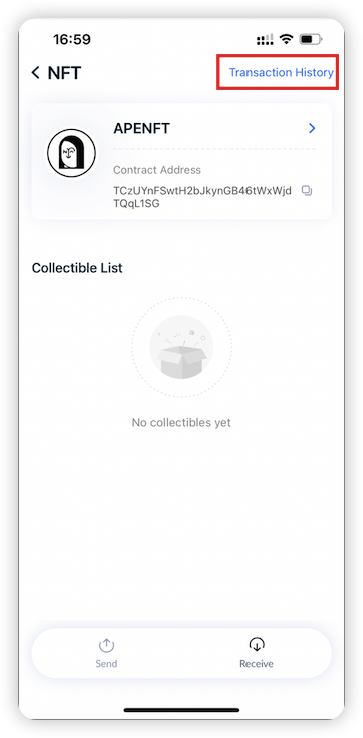
Open TronLink App and tab “Transfer” to enter the transfer page.
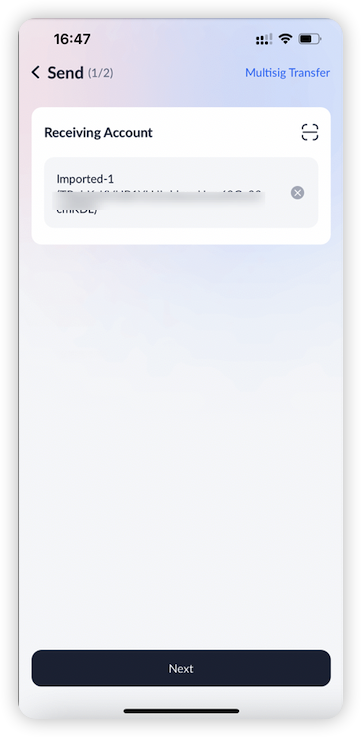
Enter the receiving account and tab “Next”.
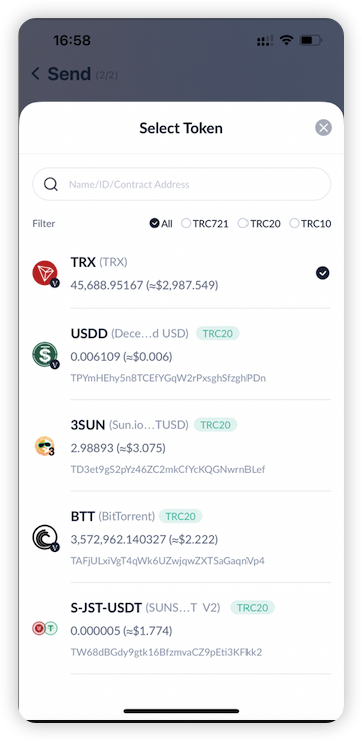
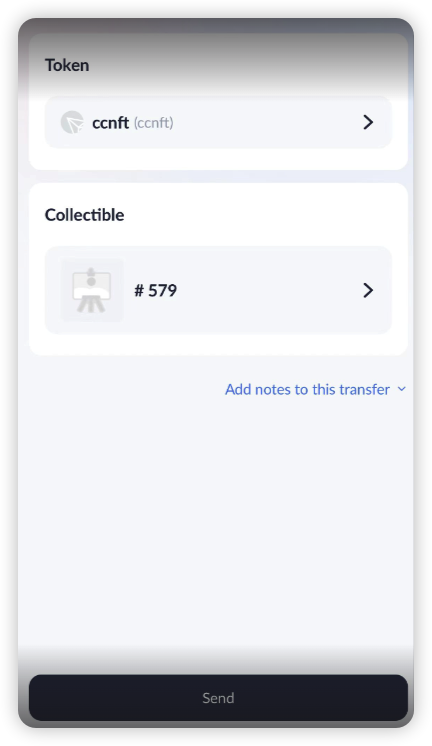
Choose the tokens and the specific collectible that you would like to transfer. Then, tab the “Transfer” icon. You can also add notes to this transfer;
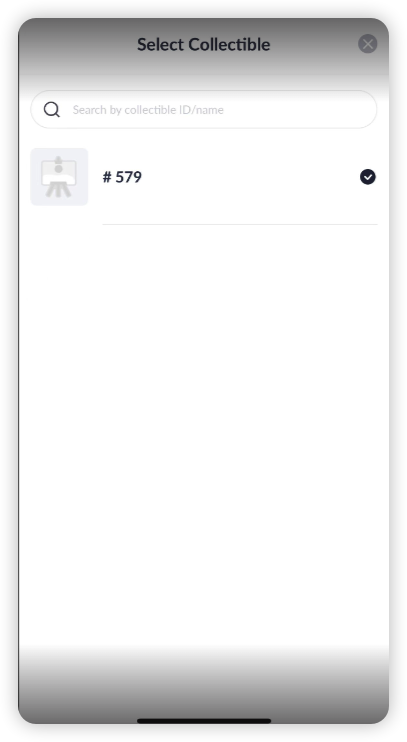
Confirm the transaction information and tab “Confirm” and sign the transaction to complete the collectible transfer.
Note: Making a transfer will consume Energy or Bandwidth as fee and will burn TRX if your Energy or Bandwidth is insufficient.
Tap the collectible and tap “Transaction History” on the right-upper corner to view historical transfers.