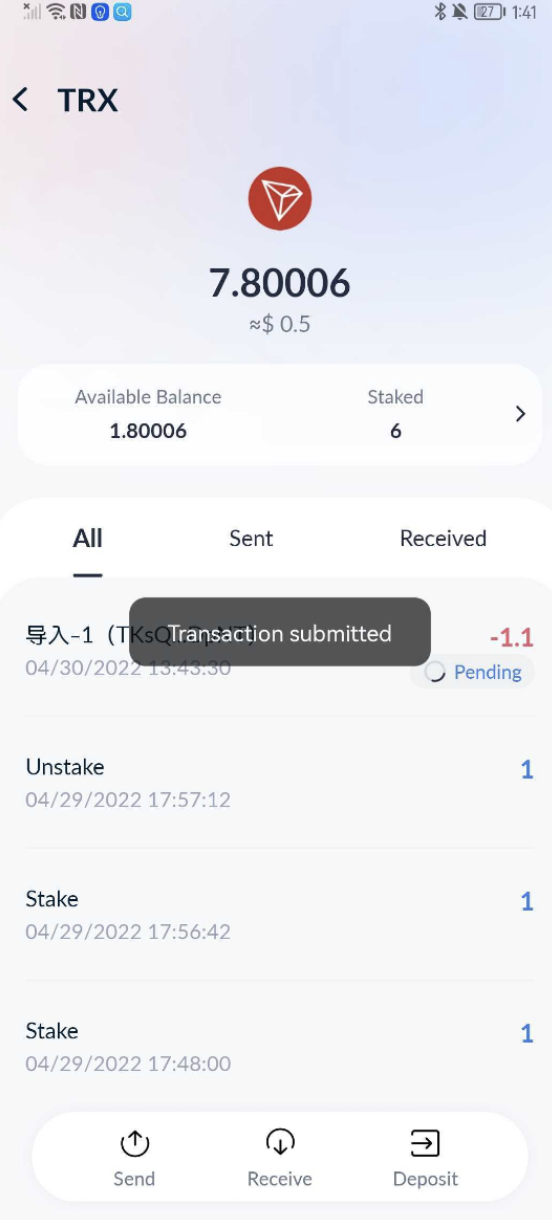
1. When signing transactions, tab “Request Confirmation from Ledger” icon.
- Please turn on Bluetooth and other access in your phone first.
2. Choose the Ledger for your current account.
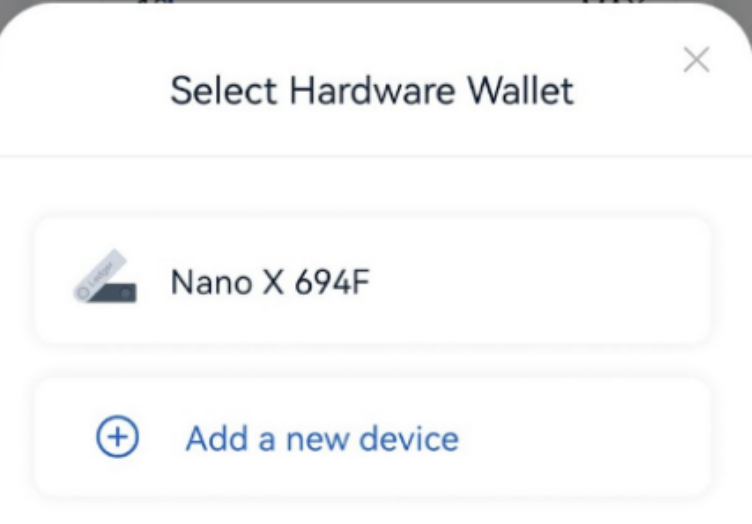
3. Open and unlock your Ledger and connect it to your phone.

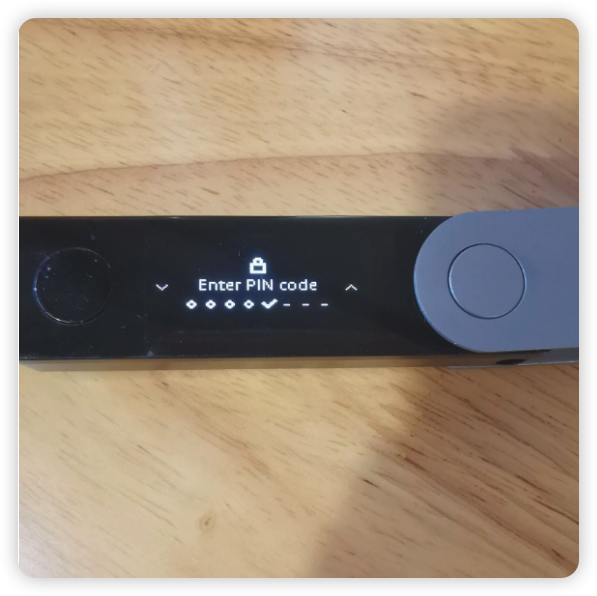
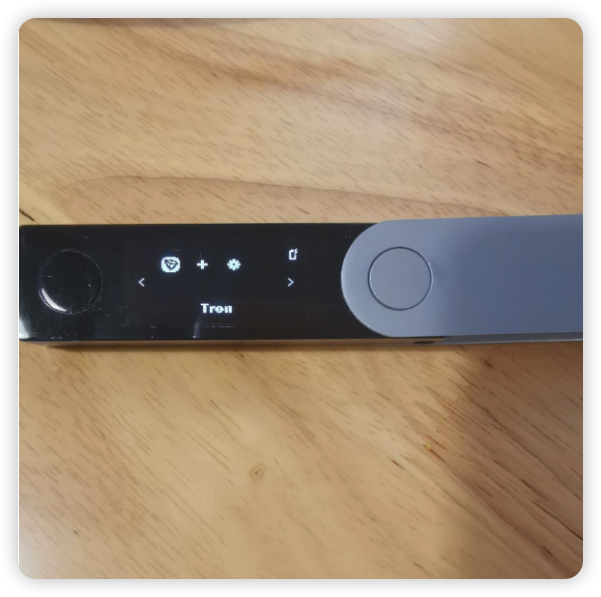
4. Open Tron App on Ledger by following the instructions on your phone.
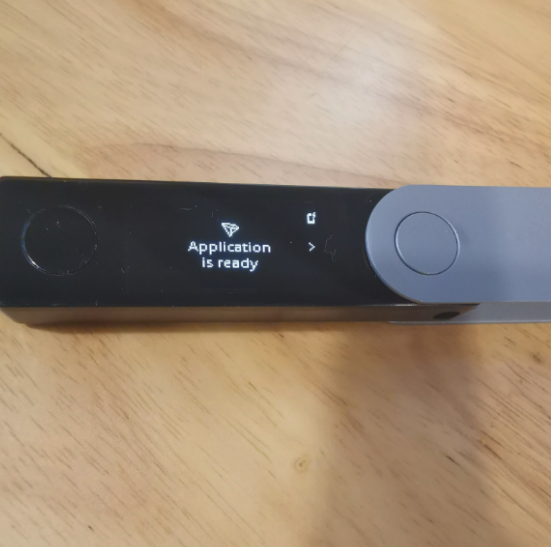
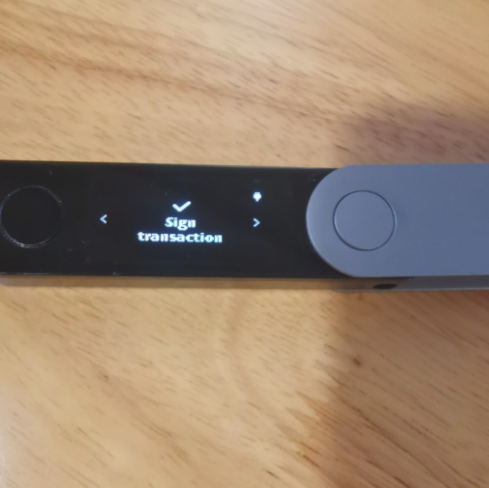
5. Confirm the current transaction in Ledger and sign.
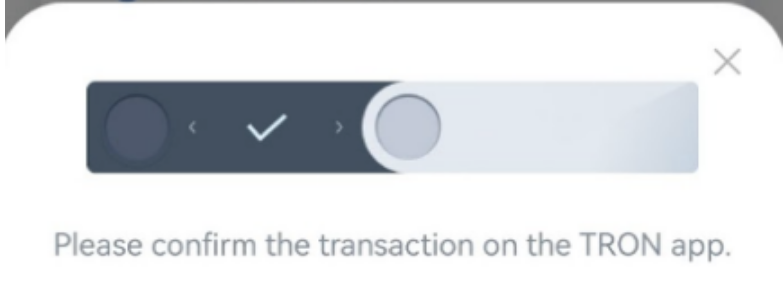
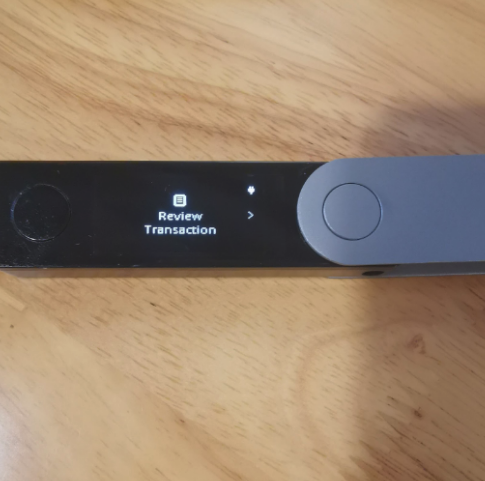
6. Confirm and sign the current transaction in Ledger.