1.打开 Ledger Live 里的 Manager;
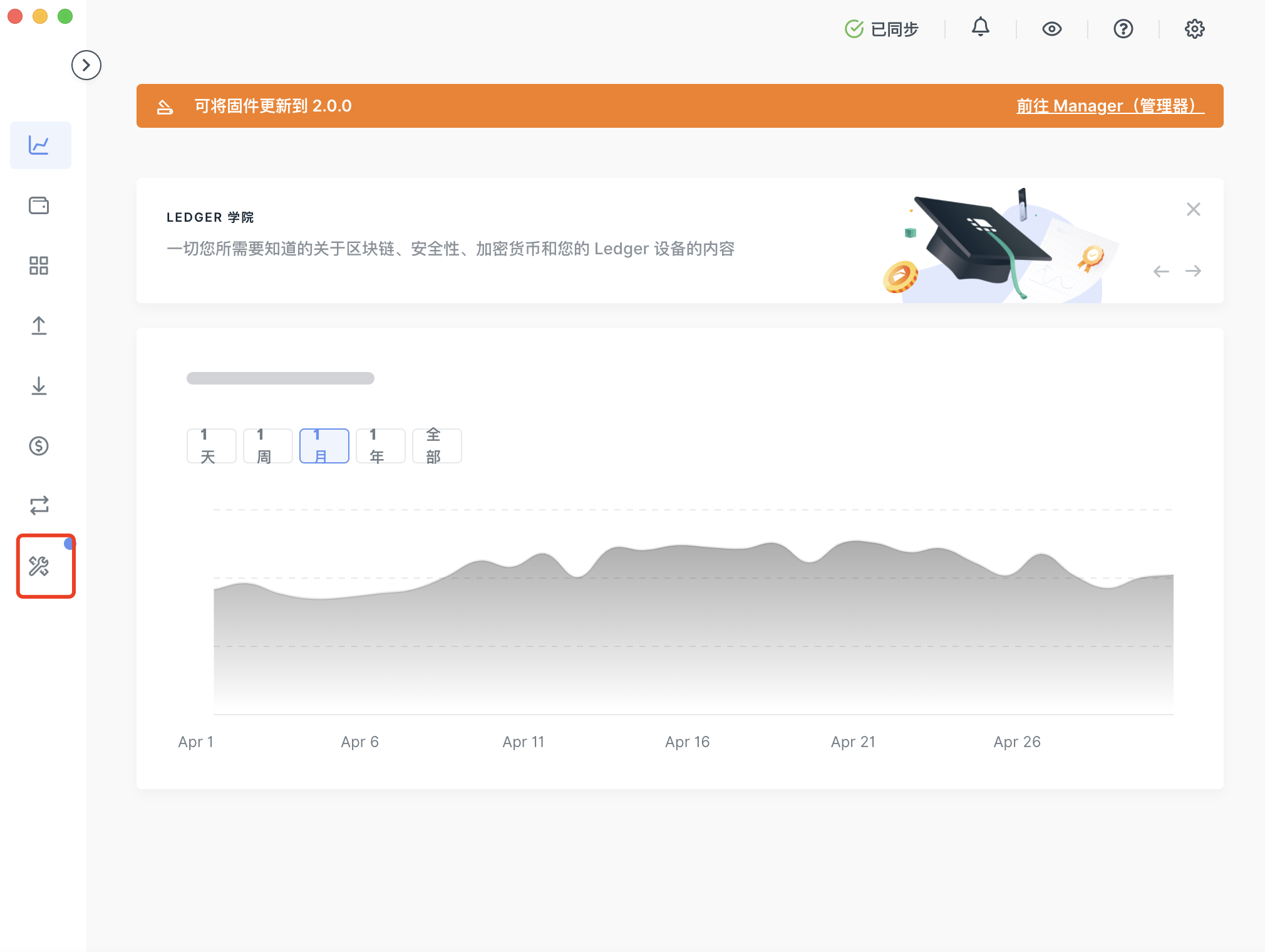
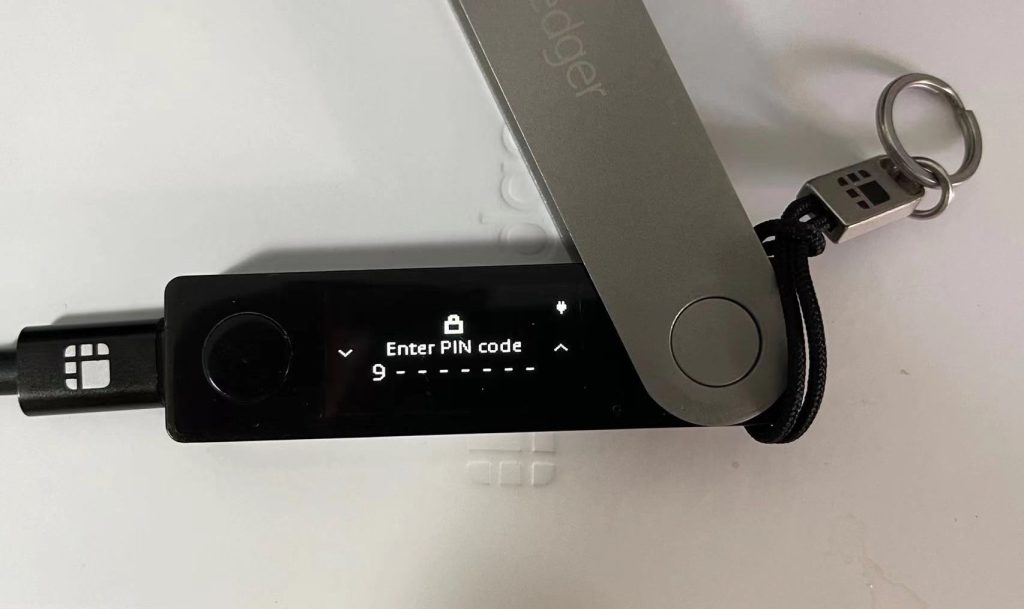
2. 连接并解锁您的 Ledger 设备;
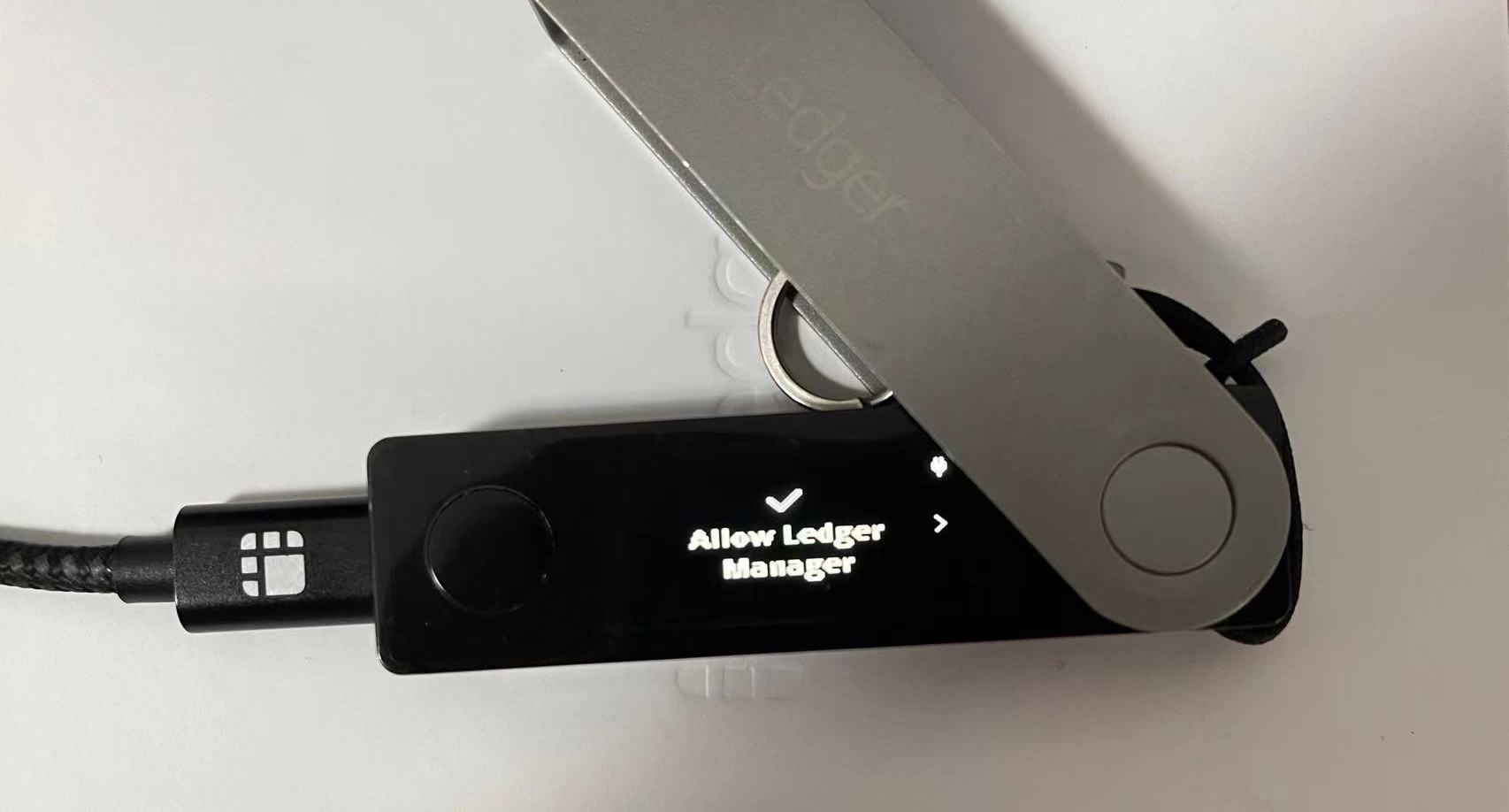
3. 在 Ledger 中授权管理,选择“✔”;
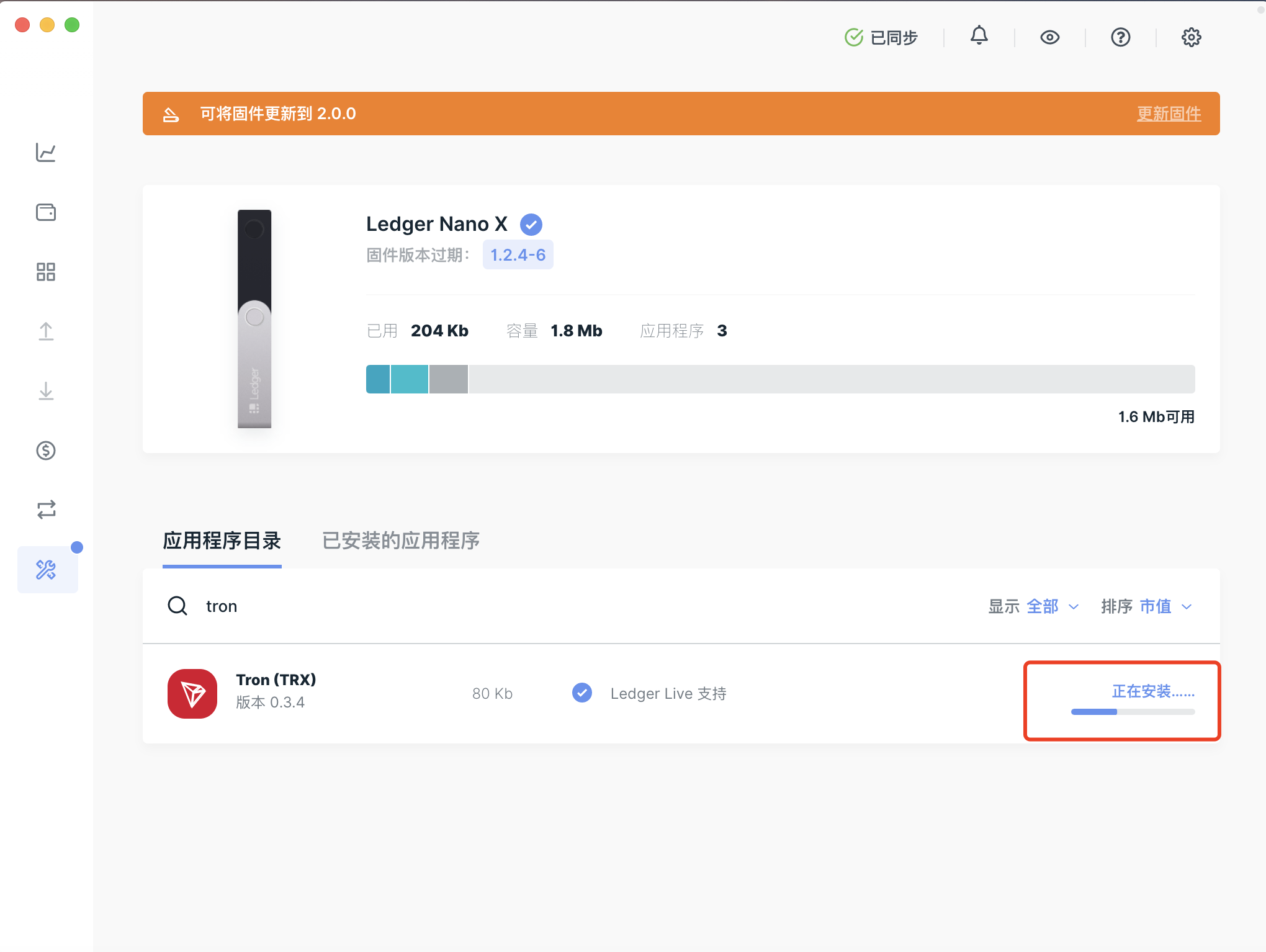
4. 在 Manager 中搜索找到 TRON App;
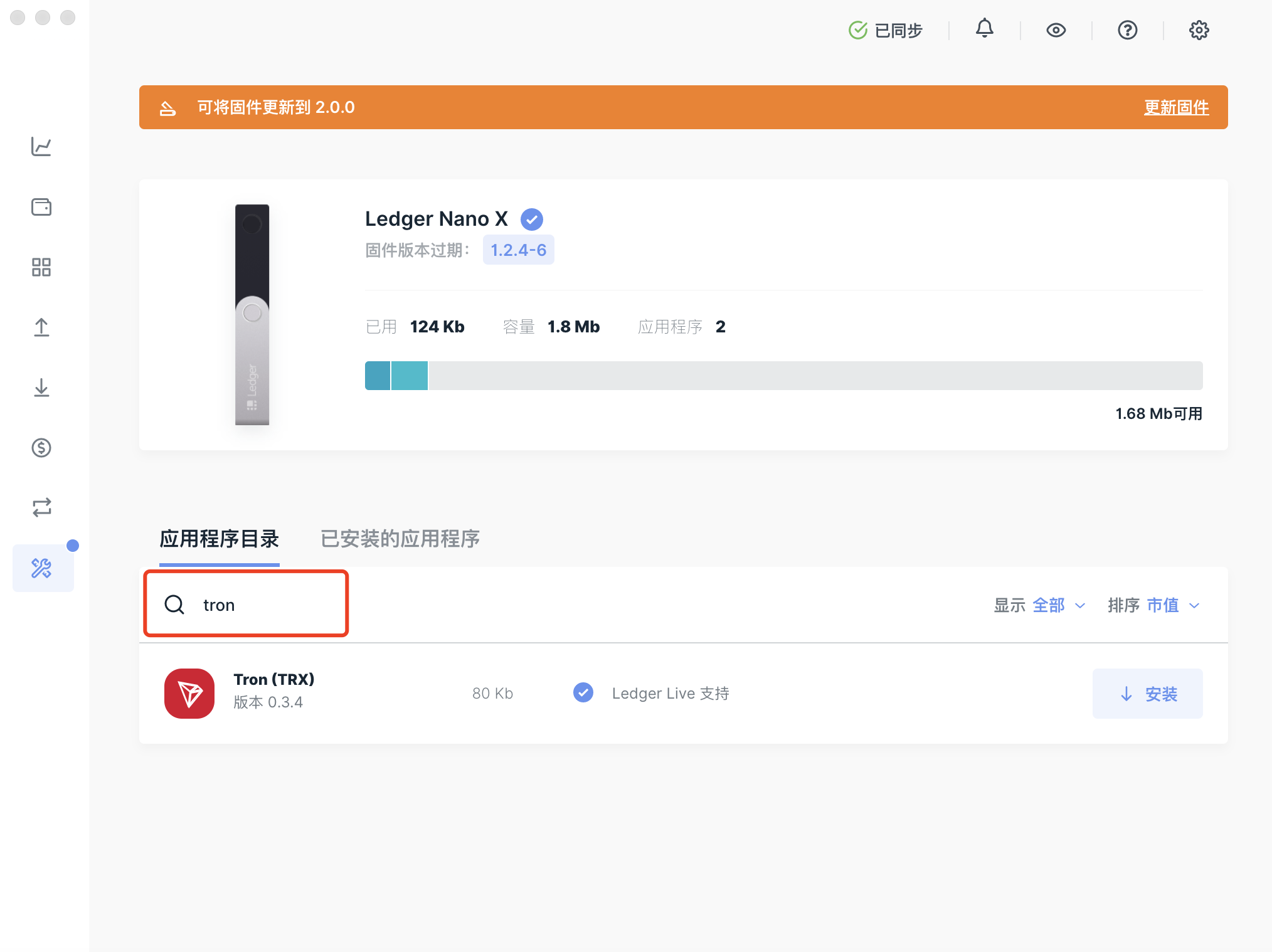
5. 点击【安装】下载 TRON App;
- 首先会出现一个安装提示窗口
- 接着您的设备上会显示Processing…
- 最后当显示如下页面时表示安装完成
TronLink 钱包 | 波场钱包 | 超过 10,000,000 全球用户的可靠选择
 By
No Comments
By
No Comments